
You let AI write your first draft. Smart move. But now you're reading it back … and something’s off. It’s not wrong. It’s just _soulless._ Technically solid, and emotionally sterile. It says things, but it doesn’t _say_ anything. That’s because AI can generate content - but it can’t give it life. That’s your job. This is where you stop being a prompt engineer and start being a real editor. The kind who doesn’t just clean up grammar - but injects rhythm, edge, and intent. The kind who makes words _hit._ Let’s turn that lifeless draft into something only _you_ could’ve written.

Why AI Content Often Sounds Robotic
AI doesn’t write the _best_ next wordm just the most predictable one. It’s not bold, It’s not brave, but it's for damn sure average on purpose. That’s fine for speed. But fatal for originality. So what do you get? – Recycled phrases like “In conclusion”
– Obvious points beaten to death
– Transitions that read like déjà vu
– Passive voice, corporate sludge, zero flow It’s not you. It’s the model doing its job. But now it’s your turn to do _yours._ Fix it. Make it breathe.
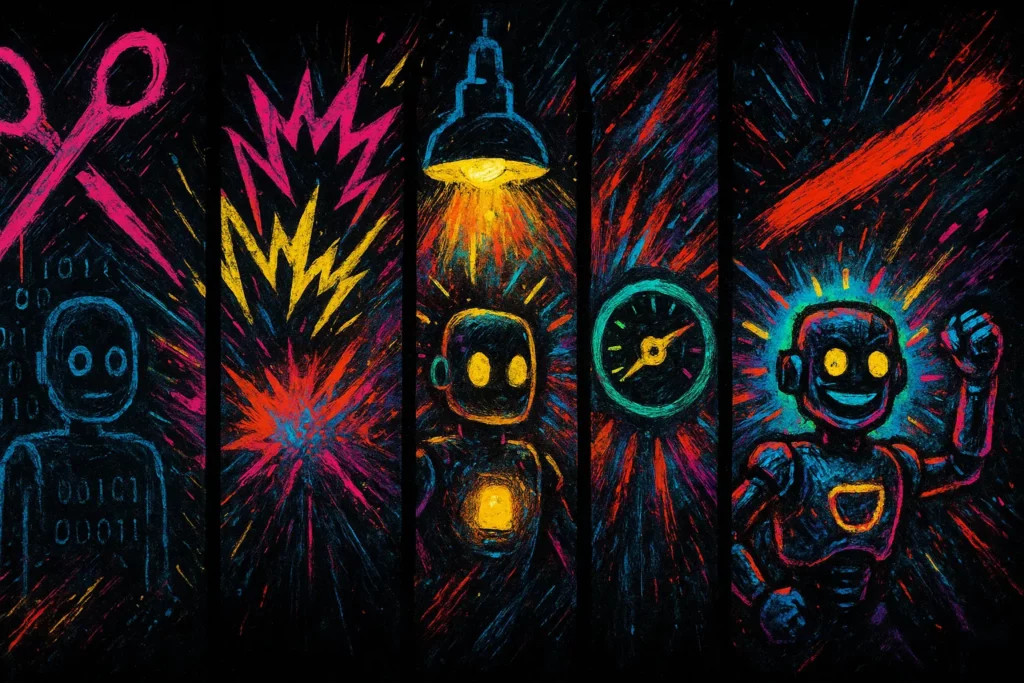
The 5-Part Editing Pass That Brings AI Content to Life
Here’s the exact process I use every time I refine AI-written drafts.
1. Cut the Fat
First, eliminate filler:
- Ditch phrases like “It’s important to note that…” or “In today’s fast-paced world…”
- Replace soft openers with hard-hitting hooks
- Kill anything that restates what you’ve already said
Don’t be polite. Be clear.
💡 Tip: Read it out loud. If you stumble or get bored, cut it.
2. Break the Pattern
AI loves symmetry. Humans don’t.
- Vary sentence length
- Interrupt with questions or fragments
- Swap out listicles for short, punchy bursts
Add friction to create flow.
💡 Tip: Anywhere it feels too smooth, add a pause or surprise.
3. Add Specificity
Replace generalities with examples:
- Instead of “many creators struggle,” say “freelancers juggling five clients and a toddler”
- Swap “effective tools” with actual names: TextExpander, Hemingway, ChatGPT
Specifics don’t just clarify – they _build trust_.
💡 Tip: Pretend you’re writing to one person. Make it feel like a DM, not a whitepaper.
4. Sharpen the Voice
This is where your tone shows up:
- Replace bland verbs with active ones
- Use contractions to sound more natural
- Add a little attitude, edge, or warmth – whatever fits you
Ask: does this _sound like me_?
💡 Tip: Drop in one line only _you_ would say. That’s your anchor.
5. Trim the Ending
AI doesn’t know when to stop.
- Cut repetitive wrap-ups
- End with a sharp takeaway or action step
- Avoid “in conclusion” like the plague
End strong. Then get out.
💡 Tip: Your last line should make the reader _think_ , not snooze.
Bonus: Use a Real-Time Editing Layer
If you want to speed this up, try:
- Hemingway Editor – highlights passive voice and complexity
- Grammarly – catches grammar, but more importantly, tone
- Notion AI / Claude / GPT-4o – ask it to rewrite paragraphs with better flow, clarity, or punch (after you’ve written your own version)
These are assistants, not bosses. Use them like a sharp knife – not a blender.
Prompt to Improve AI-Generated Drafts
Try this after your first draft:
“You’re my senior editor. Rewrite this content to remove filler, break up monotonous structure, sharpen my voice, and add specificity. Keep my tone, but make it tighter and more human.”
Then compare it to your manual edits. Use both of them, or better yet – mix and match.
The goal isn’t perfection – it’s presence.

Mic-Drop Takeaway
AI gives you structure. You give it soul. Don’t just edit - elevate. Shape each line like it matters. Because great content doesn’t just inform. It hits, sticks and moves. And that only happens when _you_ show up on the page.
_This article is part of thePlan. Prompt. Publish. series._