
I’m pumped to announce the release of BenchPress , a free WordPress® plugin designed to help developers identify performance bottlenecks in our code and optimize for speed!
BenchPress provides an easy way to measure the impact of various PHP operations, WordPress® queries, and database interactions – all from within the WordPress® dashboard.
🎉 What is BenchPress?
BenchPress is your all-in-one toolkit for benchmarking PHP and WordPress performance.
It offers a suite of pre-built benchmarks for common coding operations and includes the flexibility to create custom benchmarks.
You can quickly compare different methods and track the performance of various WordPress® functions.
Plus, BenchPress lets you save snapshots of benchmark results for historical comparisons 💪
🔥 Features at a Glance
- Built-in Benchmarks : Includes tests for common PHP and WordPress operations, such as:
SwitchvsMatchperformance- Transient caching vs direct database querying
- Post meta retrieval with
get_post_meta()vsWP_Meta_Query - WP_Query efficiency with customizable parameters
- Array merge techniques
- String concatenation methods
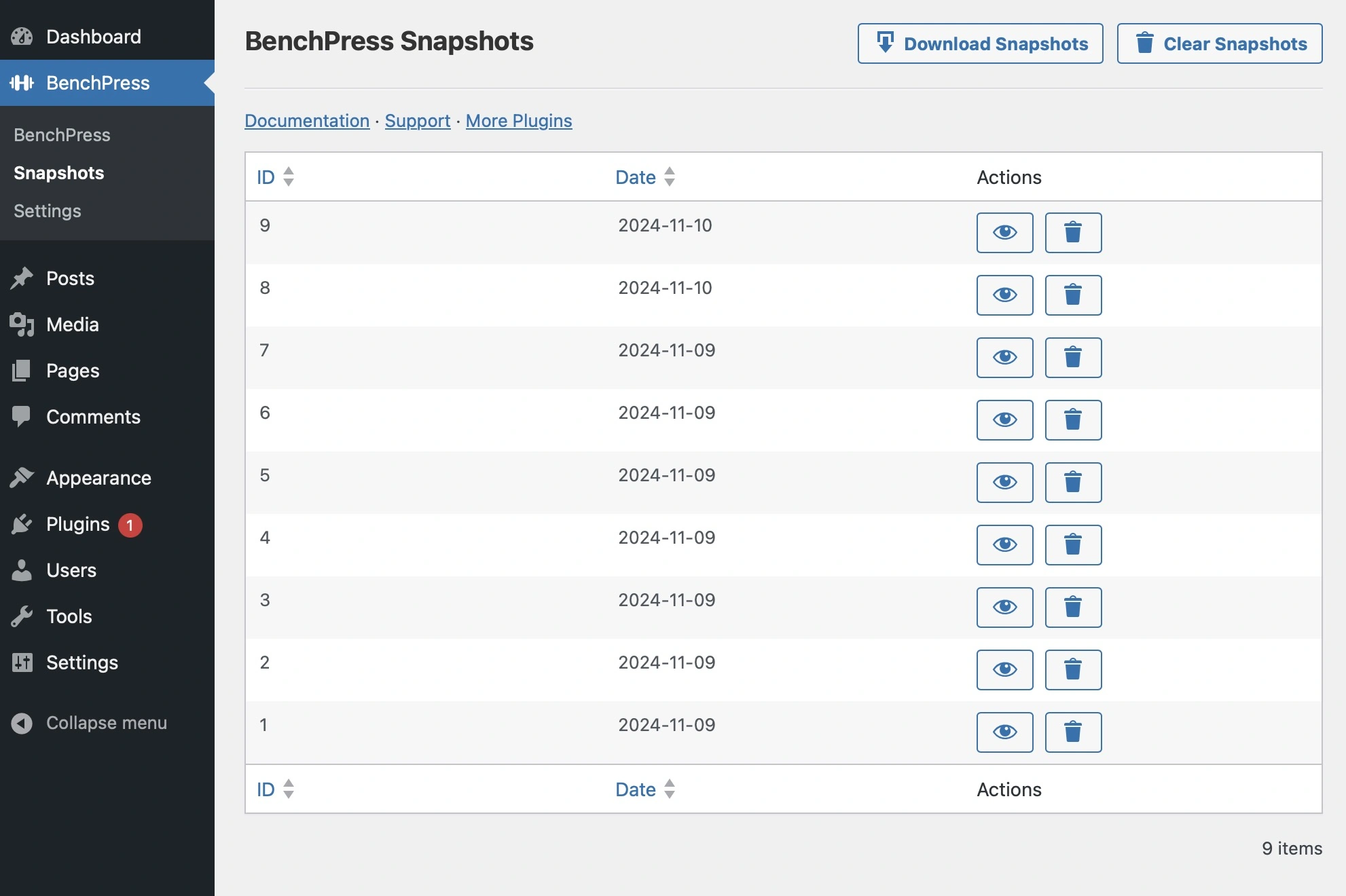
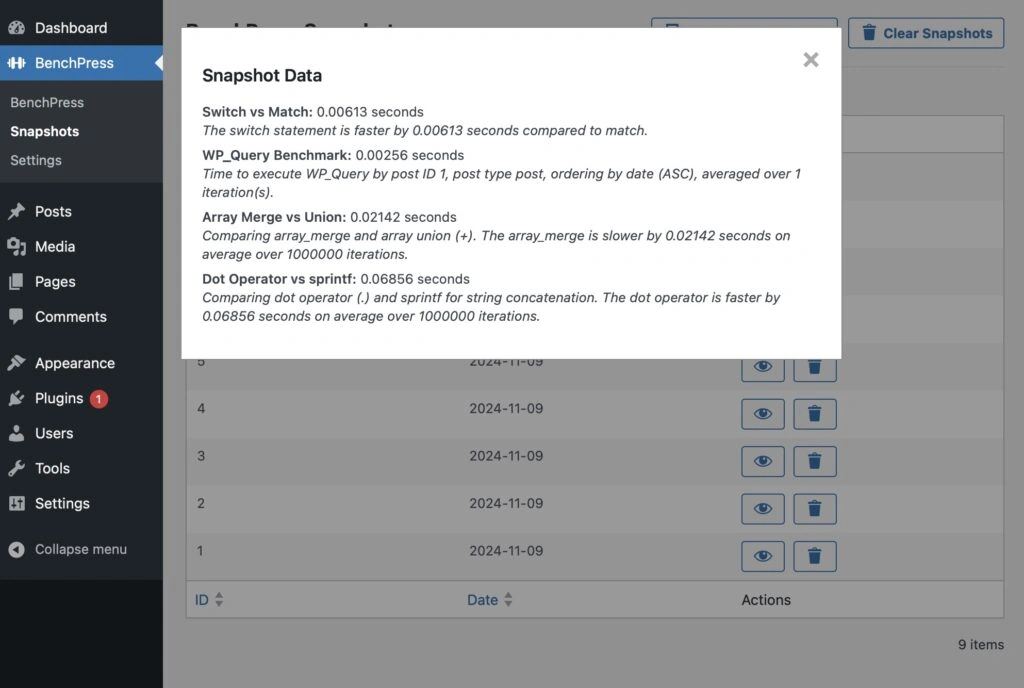
- Snapshots : Save your benchmark results and compare them over time to see how updates impact performance.
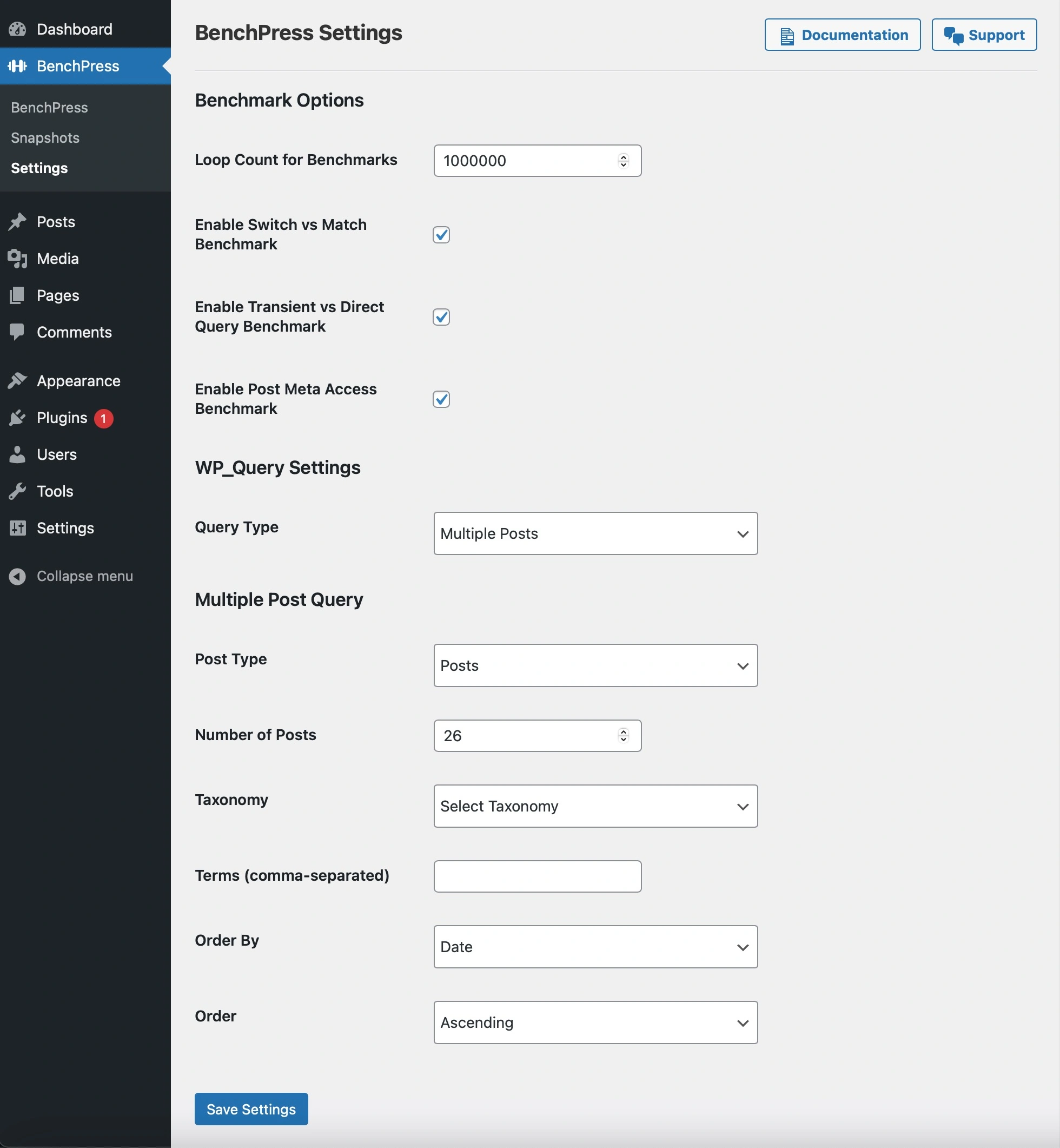
- Flexible Configuration : Customize benchmarks with options like loop counts, post IDs, taxonomies, and more.
- Developer-Friendly API : Easily add or remove benchmarks using the
benchpress_run_all_benchmarksfilter.
 Screenshot
🔧 How to Use BenchPress
1. Install and Activate : Download the BenchPress plugin from the GitHub repository or upload it to your WordPress site.
2. Configure Benchmarks : Head to BenchPress > Settings to customize your benchmarks with options like post IDs, loop counts, and query parameters.
3. Run Benchmarks : Visit BenchPress in your admin menu and click Refresh Tests to run benchmarks and see results instantly.
4. Save Snapshots : Use the Save Snapshot button to store benchmark results for future analysis.
5. Analyze Snapshots : View, download, or delete snapshots from BenchPress > Snapshots to track performance changes over time.
🎛 Adding Custom Benchmarks
BenchPress allows you to add custom benchmarks using the benchpress_run_all_benchmarks filter.
You can read this doc to find out more.
 Screenshot
📊 Why Use BenchPress?
BenchPress was designed to give developers practical insights into their code’s performance.
Whether you’re troubleshooting slow-loading pages, optimizing queries, or simply curious about the efficiency of different coding techniques,
BenchPress provides a clear, convenient way to measure and improve performance while letting you take control of your site’s speed in a methodical, data-driven way.
🚀 Ready to Dive In?
Download BenchPress today and start benchmarking your way to a faster, more optimized WordPress site.
Get it onGitHub and see how BenchPress can take your WordPress® performance to the next level!