
Just a few days ago, WooCommerce® officially added a brands integration as a feature flag option, available by default some time in December.
However, this late addition of the brands functionality in Woo Core and the continued sale of the Pro version has left many in the WooCommerce® community seeking an immediate, cost-free solution to meet their branding needs.
I believe the community deserves better.
That’s why I’m proud to release Brands for WooCommerce® , a completely free and comprehensive plugin, available now to all store owners.
This release makes sure that everyone can enjoy seamless brand management for their WooCommerce® powered stores without any further delays.
What’s Included in v1.0.0 🚀
Here’s what makes this Brands for WooCommerce® plugin your go-to solution for managing product brands:
Full Brand Management
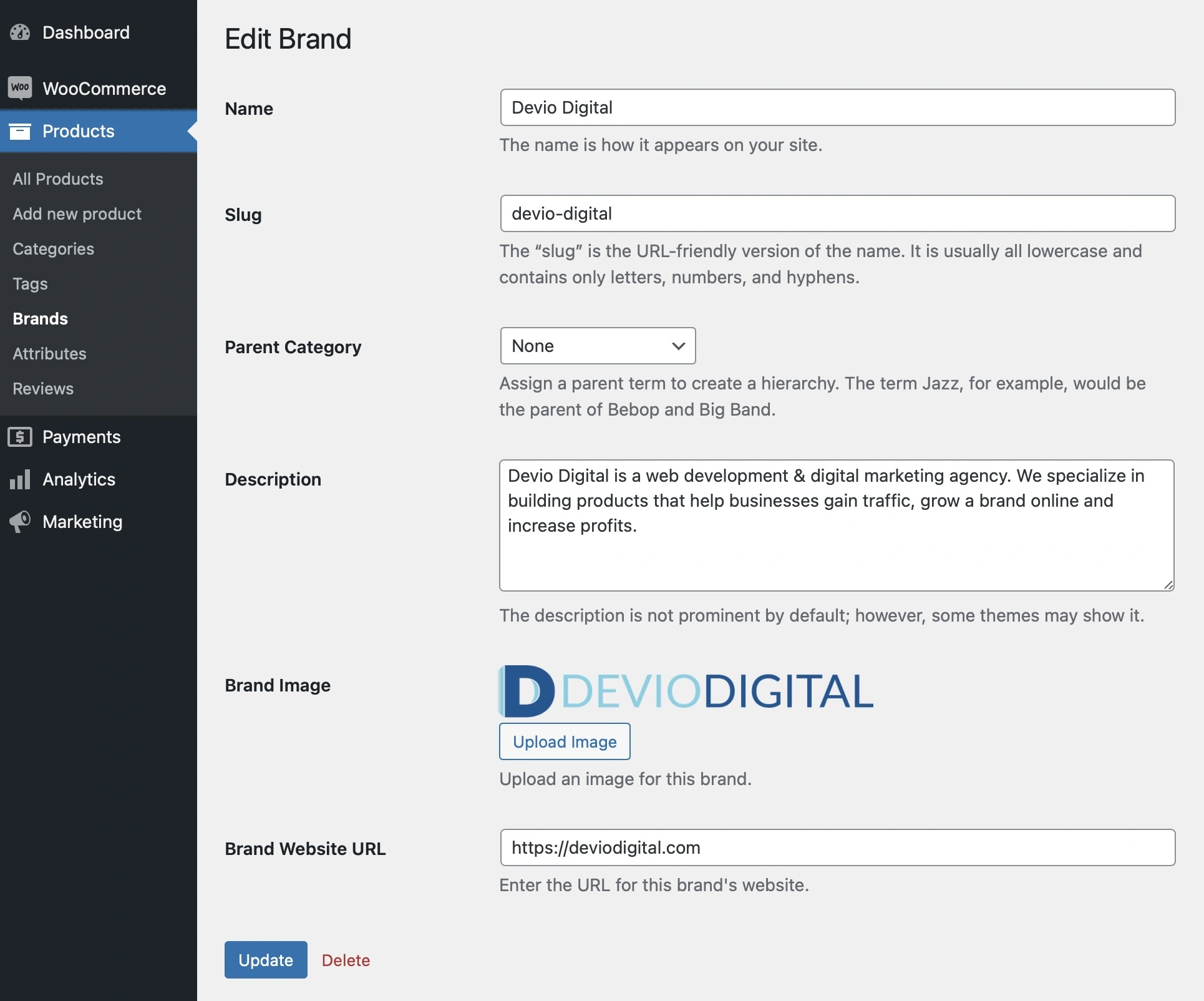
- Create and edit brands with custom images _and_ website URLs.
- Organize products by brands using the dedicated “product_brand” taxonomy.
Three Powerful Shortcodes
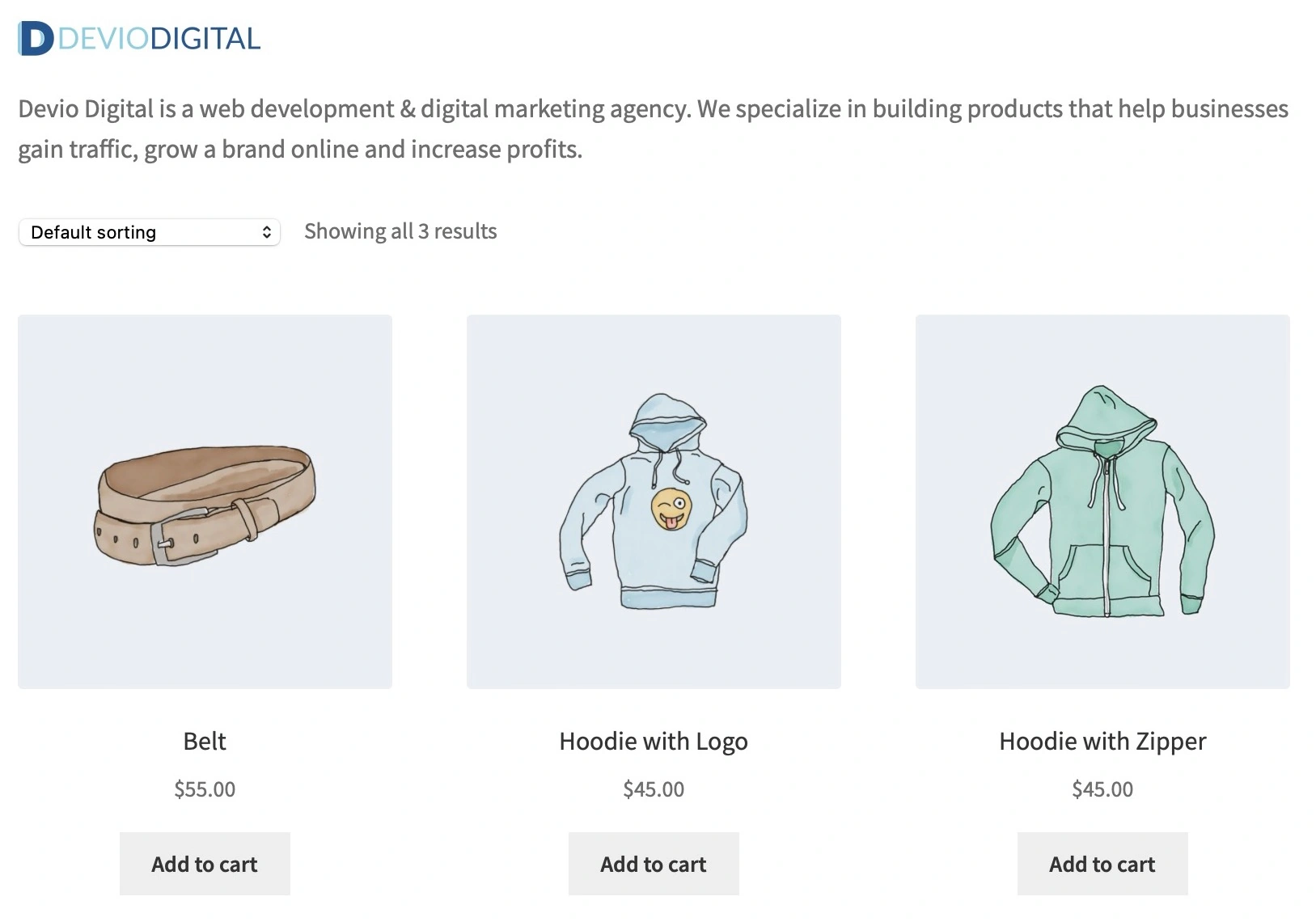
[product_brand]: Display all brands in a responsive grid layout with options for columns, descriptions, and images.[brand_products]: Showcase products from a specific brand in a WooCommerce-style grid.[brands_list]: Display an A-Z indexed list of brands with optional images and links for easy navigation.

Custom Widgets
Add brand thumbnails to sidebars or footers with the Brand Thumbnails Widget , including options for displaying brand names, descriptions, and randomized output.
Seamless WooCommerce® Integration
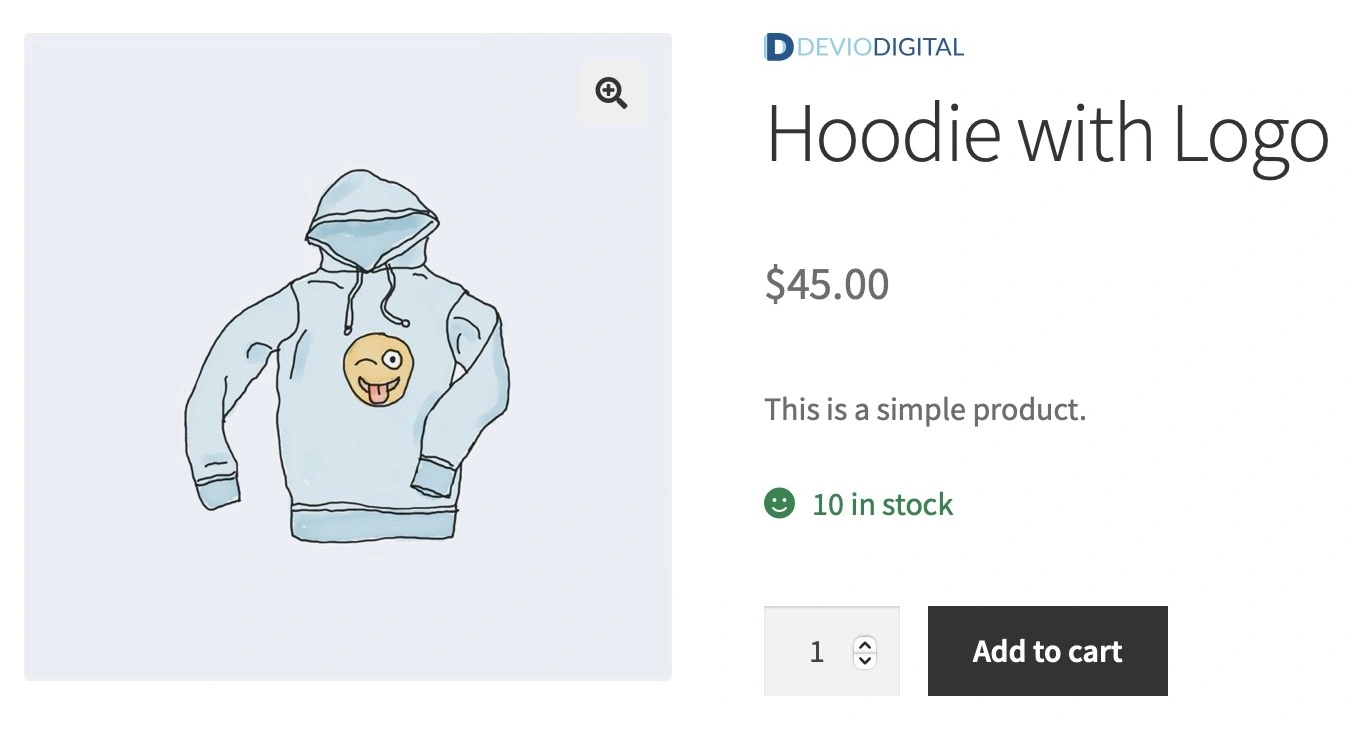
- Brand logos are automatically displayed on product and archive pages.
- Use WooCommerce’s built-in styles for grids to keep your store visually consistent.
REST API Support
Access brand data programmatically using the included REST API route (/wc/v3/brands).
Developer-Friendly
- Open source and GPL-licensed.
- Fully documented with hooks, filters, and extensibility in mind.
Why Free?
As WooCommerce’s official brands integration arrives late and with limited availability, I wanted to ensure store owners could access a free , reliable, and community-focused solution.
This release is for everyone who values open source and believes in immediate access to features that matter (and should’ve been in Woo Core years ago).
 Brands for WooCommerce® (free) widget display
How to Get Started 👀
Installation
1. Download the plugin from the GitHub repository.
2. Upload the plugin ZIP file via your WordPress admin or install it manually in /wp-content/plugins/.
3. Activate the plugin from your WordPress dashboard.
Usage
1. Manage Brands :
- Navigate to Products > Brands in your WordPress admin.
- Add or edit brands with custom images and website URLs.
2. Shortcodes :
- Use the shortcodes to display brands or brand-related products anywhere on your site:
[product_brand]: Display all brands in a grid layout.[brand_products brand="example-brand"]: Showcase products for a specific brand.[brands_list]: Show an A-Z index of brands for easy navigation.
3. Widgets :
- Add the Brand Thumbnails Widget to any sidebar or footer via the WordPress Widgets screen.
4. Custom Styles :
- Customize the included stylesheet (
assets/css/brands-for-woocommerce.css) to match your theme.
Looking Ahead 👀
As I’ve been continuing to show through action, I’m committed to supporting the WooCommerce® community, and ensuring this free Brands for WooCommerce® plugin evolves with your need.
Feedback, suggestions, and contributions are always welcome on the GitHub repository.
And as Woo turns on their Brands solution by default (whenever that actually happens), let’s all hope they make it easy to turn off their brands solution in favor of one of the countless ones already available from the community 💯
P.S. Make sure you’re following me on Twitter, because the December to Remember isn’t just a catchy name 🔥💯