
Managing a WordPress® website can often feel like a juggling act, especially when dealing with thousands of users.
Keeping your database lean and mean is not just about performance; it’s also about maintaining clean, actionable data.
That’s why I’m happy to introduce Delete Inactive Users , a plugin designed to make user management effortless.
Why I Built This Plugin
I’ve ran into countless sites over the years where inactive users bloat the database, especially on membership or eCommerce sites.
Many administrators struggle to identify and clean up these users.
I wanted to create a simple, reliable solution for WordPress® users to reclaim their database space and improve performance without hassle.
What Does Delete Inactive Users Do?
Delete Inactive Users allows you to:
- Choose Specific User Roles: Target only the roles you want, such as subscribers or customers.
- Set a Cutoff Date: Remove users who haven’t logged in since a specific date.
- Batch Process Users: Handle thousands of users efficiently without straining your server.
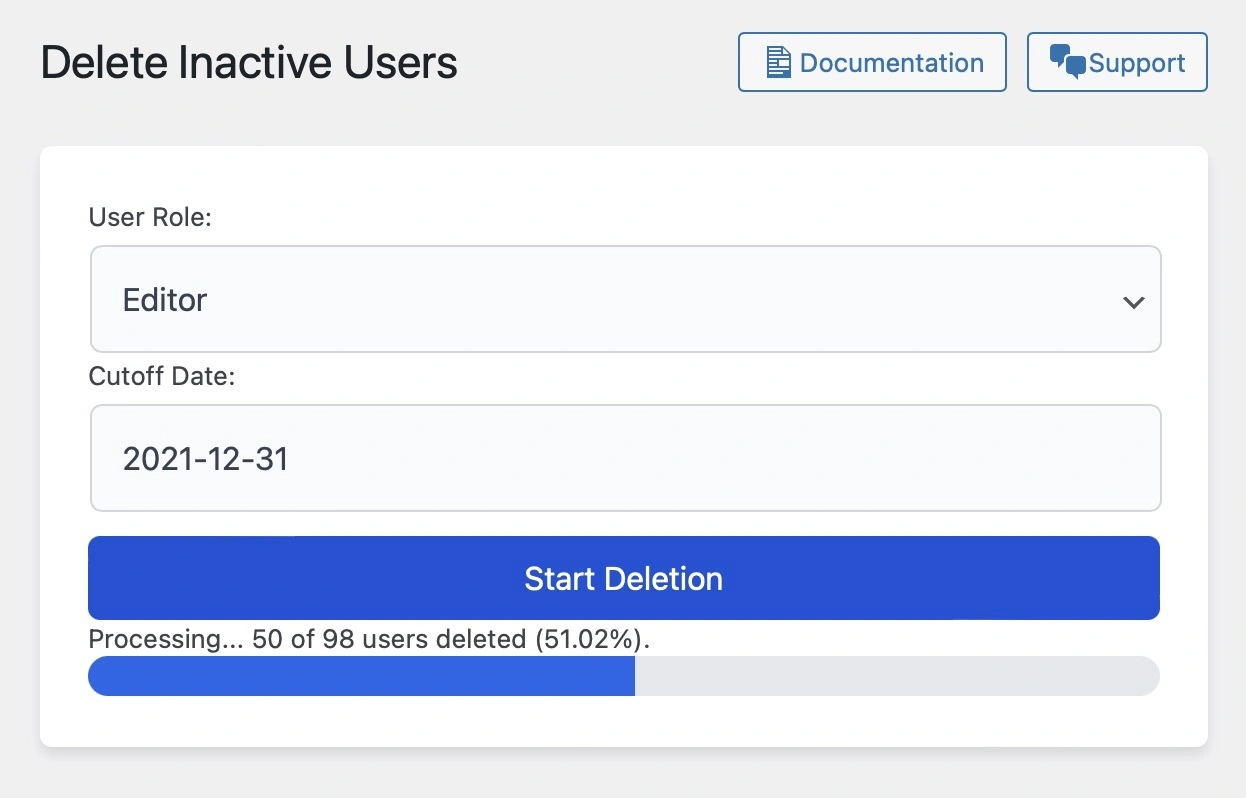
- Track Progress: Get real time feedback with a progress bar and detailed status messages.
Key Features at a Glance
- Custom Role Selection: You can target any user role for cleanup, whether it’s Subscribers, Customers, or even custom roles.
- Date-Based Deletion: Remove users who haven’t logged in since a specific date.
- Efficient Batch Processing: Processes 50 users at a time to prevent timeouts on large databases.
- Safe and Secure: Nonce verification ensures only authorized actions are executed.

How It Works
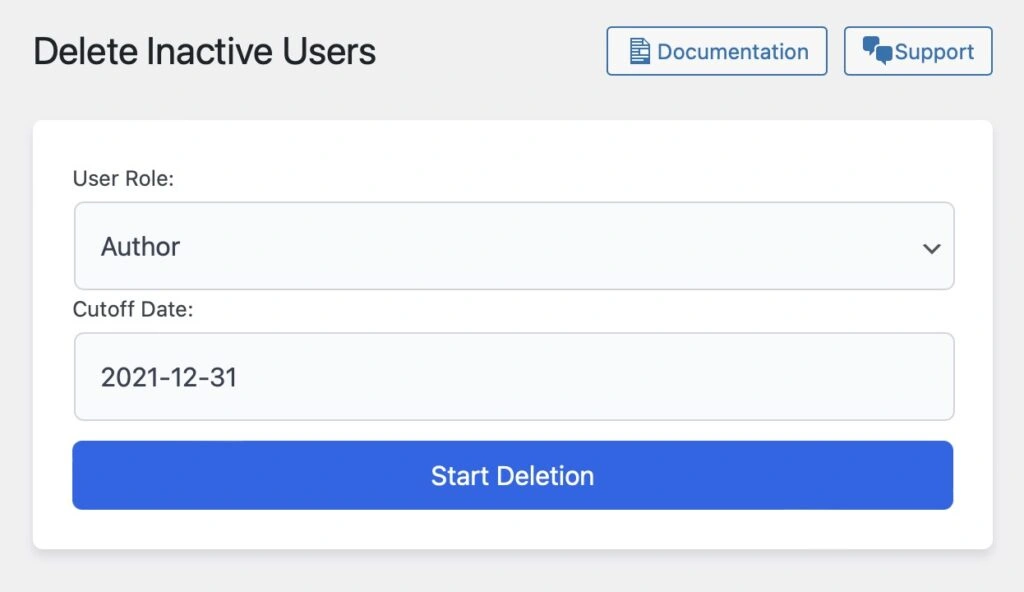
1. Navigate to the Plugin Page: Once activated, go to Tools > Delete Users.
2. Choose the User Role: Select the role you want to target.
3. Pick a Cutoff Date: Use the built-in date picker to set the last login threshold.
4. Start the Process: Click “Start Deletion” and watch the progress bar in real time.
5. Success Notification: Receive a success message when the process is complete.
Who Is This Plugin For?
This plugin is ideal for:
- Membership Sites: Remove inactive subscribers to ensure accurate metrics.
- eCommerce Stores: Clean up customer data to improve database performance.
- Community Platforms: Maintain an active and engaged user base.
Get Started Today
Download the Delete Inactive Users plugin and start managing your user database with ease.
Feedback and Contributions
I’d love to hear how this plugin works for you!
Feel free to open an issue or submit a pull request on the GitHub repository. Your feedback helps make this plugin even better.