
Let me start by saying this isn’t simply about hate. It’s about clarity, control, and community.
WordPress – the open source project – has been the foundation of my entire career. I’m grateful for it. And I’ve even gone on record praising Matt Mullenweg in the past for his open source leadership and vision.
But in the aftermath of recent events – specifically the fallout from “the talk” at #WCUS, the weaponization of WordCamp, and the unsettling consolidation of influence – I found myself asking a simple question:
And more importantly:
What does it mean to be a WordPress developer in 2025?
We’ve reached a point where the blurred lines between open source software and venture-backed influence can no longer be ignored.
When one person can dictate which companies are “worthy” of being part of the community – while profiting from the very same open source work the rest of us build on – it’s time to start carving out new space.
I’m here to help create something better.
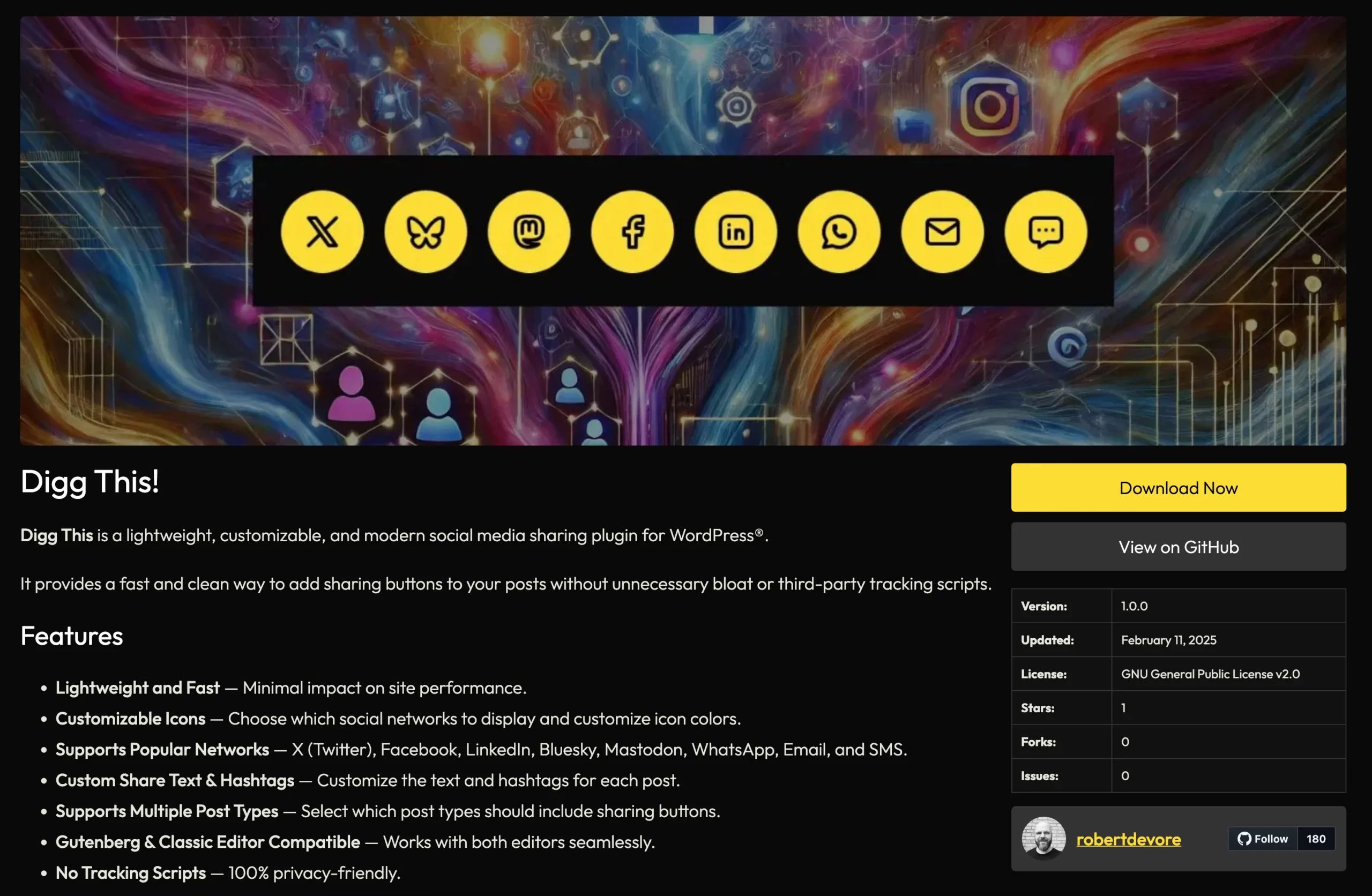 Single Project Example
What Is Projects for WordPress®?
Projects for WordPress® is a free, open source plugin that lets developers:
- 🚀 Create a directory of projects – plugins, themes, patterns – right on their own site.
- 🔗 Connect each project to a GitHub repository to fetch release data, version info, and stats.
- 📦 Generate public download links (
/download/ID) that track and increment download counts. - 📊 View metrics directly inside WordPress – no third-party tracking or data ownership required.
- 🎨 Customize the look and feel with a template layout that mimics the WordPress.org plugin directory.
- 📡 Expose REST API endpoints for your site or others to consume project data.
All of it runs from your own WordPress® site.
All of it is fully independent of WordPress.org, Automattic, or any other platform related to Matt Mullenweg.
It’s freedom – without sacrificing familiarity.

What Developers Get Out of This
Independence
No more relying on a centralized repo that can be de-indexed, deprioritized, or deleted without your input. With Projects for WordPress®, your site _is_ your plugin repo.
Download Tracking
Each time someone clicks your project’s “Download” button, the plugin:
- Redirects them to the latest GitHub release
- Increments your download count
- Stores everything locally – where you control it
It’s your data. Not someone else’s 💯
GitHub-Powered Updates
The plugin uses the GitHub API to:
- Pull the latest release info (via token-authenticated requests)
- Display metadata like stars, forks, license, language
- Keep your layout looking professional, modern, and recognizable
You can even include release ZIPs in your GitHub release assets and serve them directly.
Full Customization
You can override the templates in your theme, change the archive layout, and control what’s shown (downloads, forks, last updated, etc.) using simple toggles in the plugin settings.
REST API Ready
Want to power a mobile app, client dashboard, or external listing? The plugin includes custom endpoints like:
/wp-json/projects/v1/projects/wp-json/projects/v1/popular
So you can pull and display your project data anywhere.
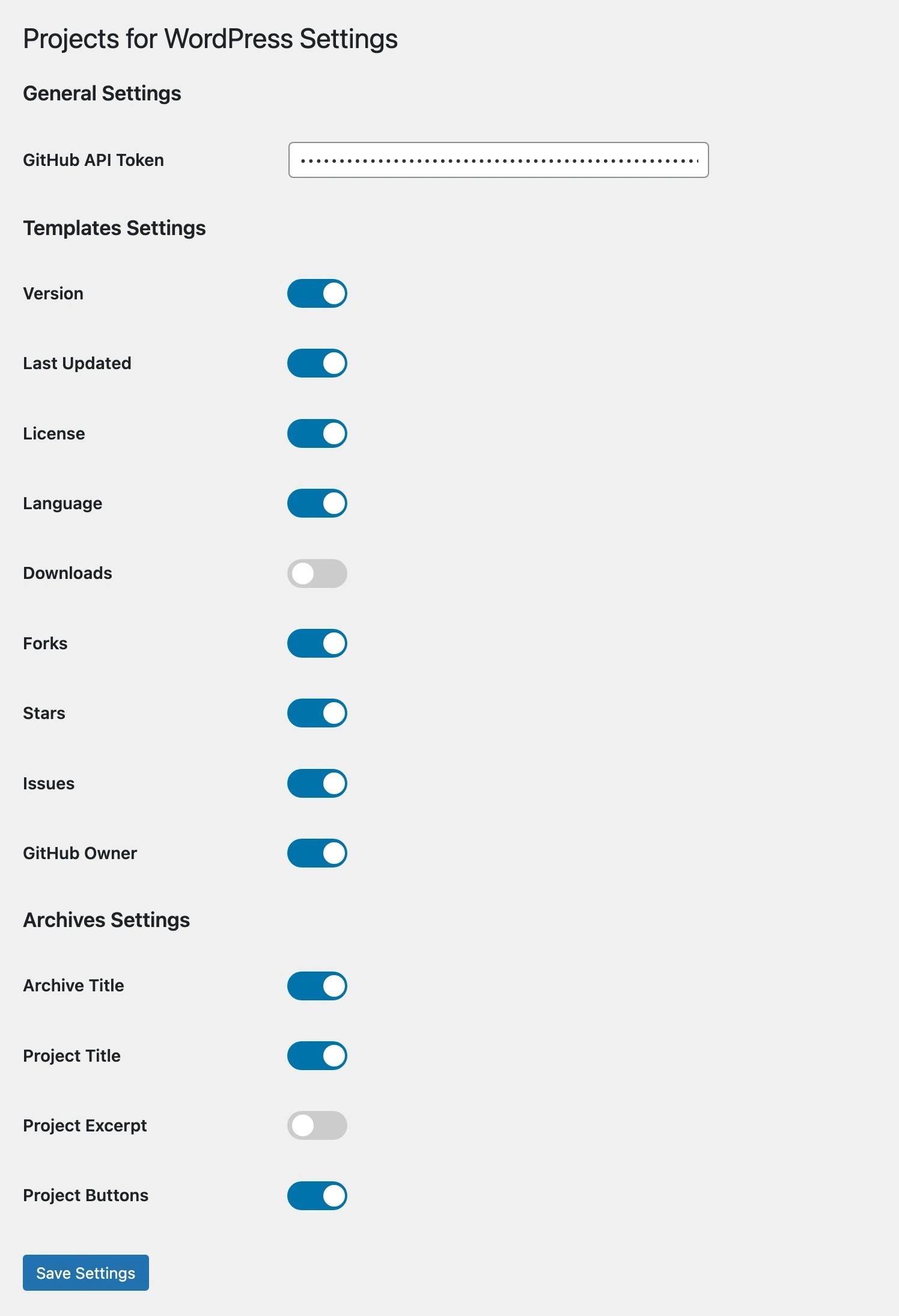
Why This Matters
Matt once said, _“Own your content.”_
But what does that mean in practice?
Because while we’ve been told to “own our content”, the content we write on WordPress.com and Tumblr – platforms now selling data to OpenAI – is a reminder of who really owns what.
This plugin is a step toward reclaiming our publishing power. It’s a small act of digital sovereignty for the developers who:
- Wrote tutorials and documentation
- Built plugins and themes from scratch
- Grew WordPress® by teaching, creating, and contributing
- Never got VC funding
- Never bought a booth at WordCamp
- Still showed up and made the project what it is
We are the builders who turned WordPress into a CMS that currently powers ~43% of the internet. And this is one way to take that power back.

Who Should Use This Plugin?
- Indie plugin/theme developers who want a self-hosted showcase
- Agencies that release public tools or design systems
- Creators with GitHub-hosted projects and no interest in submitting to WordPress.org
- Developers who want more control over tracking, updates, and design
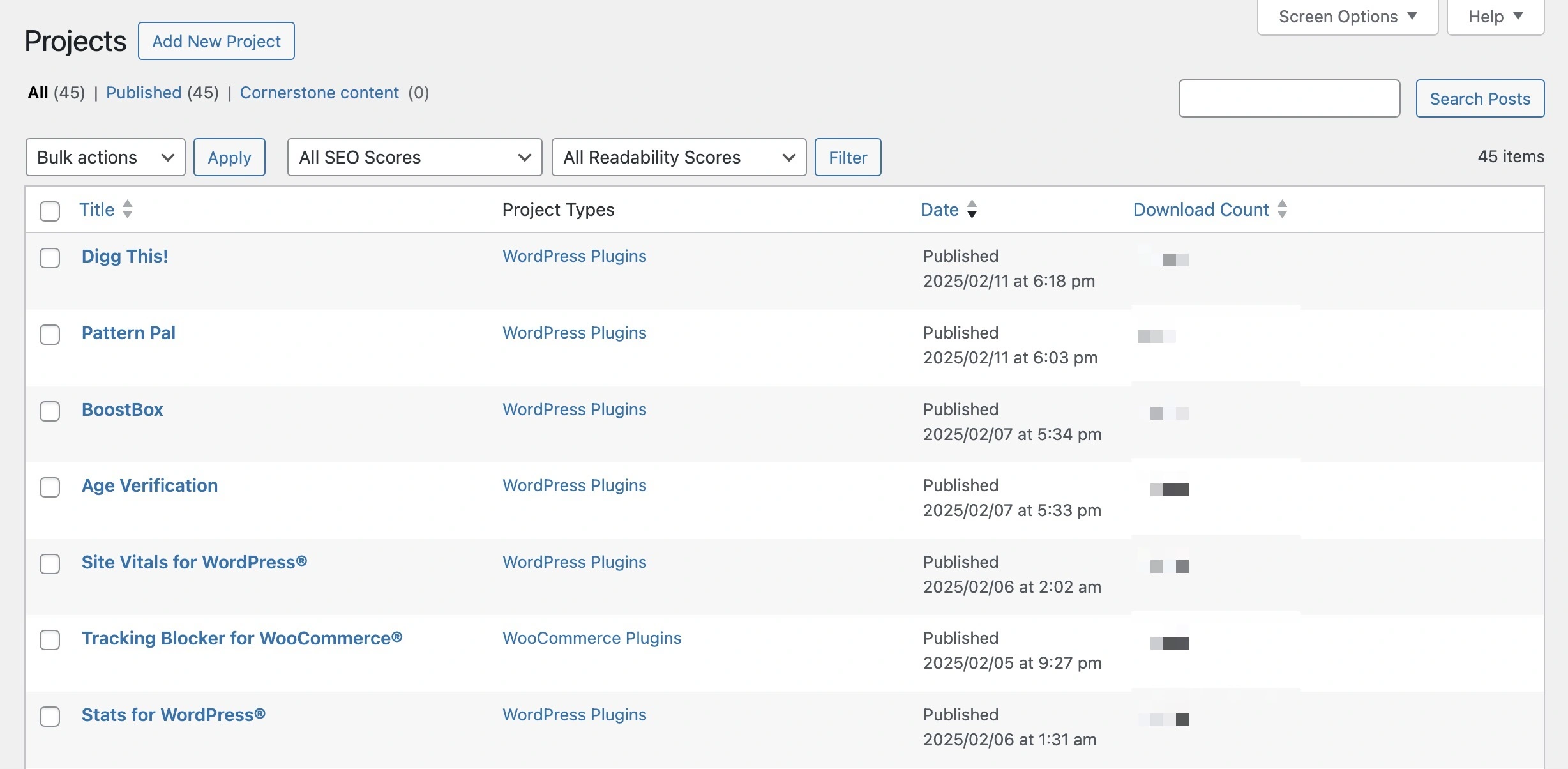
How to Get Started
1. Download the plugin from GitHub or robertdevore.com.
2. Upload & activate it on your site.
3. Go to Projects → Add New and start publishing.
4. Paste in your GitHub URL and select a Project Type (plugin, theme, pattern).
5. Your /projects archive is live.
6. Share your /download/ID link anywhere.
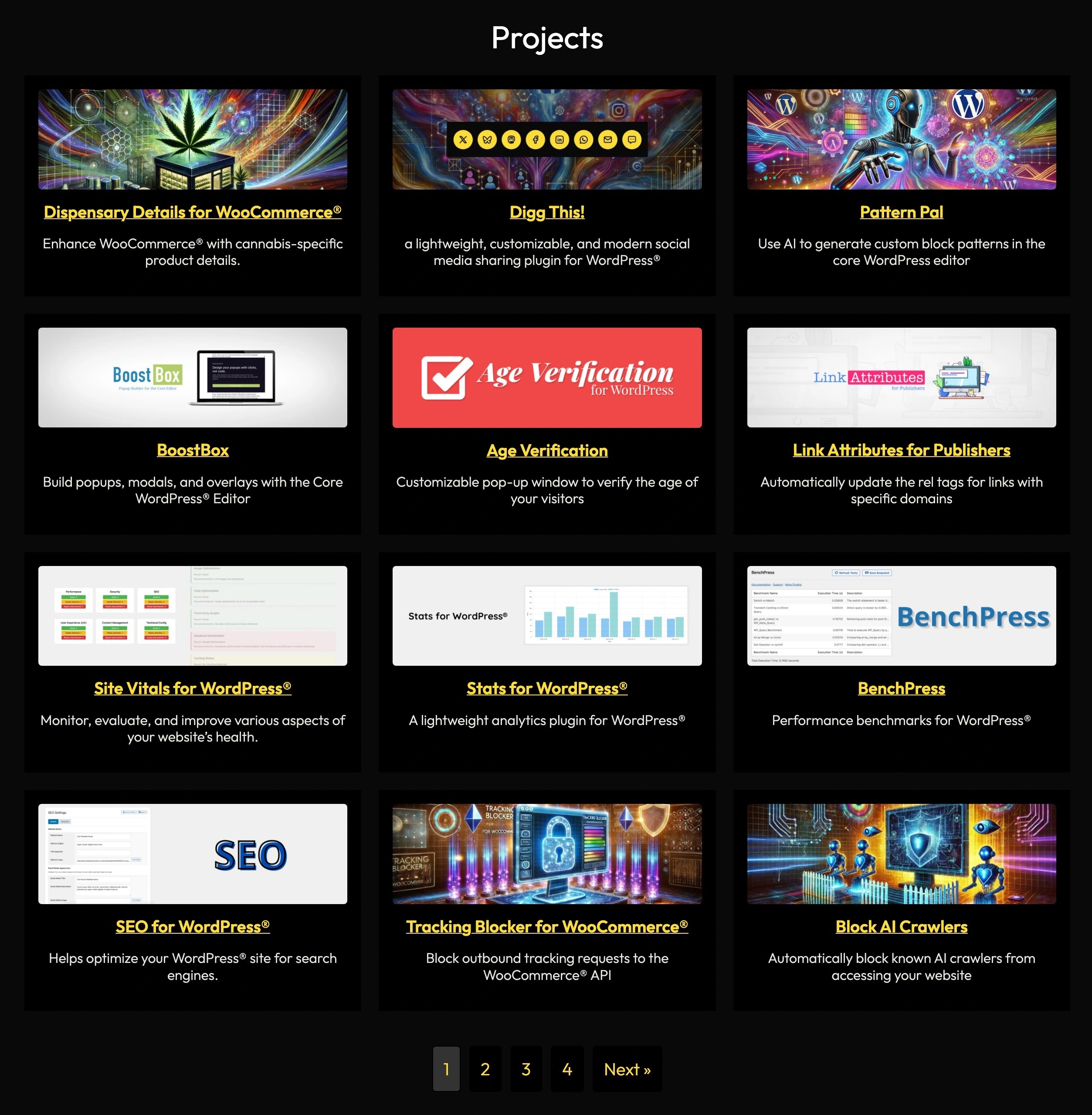 Projects Archive Example
Bonus: Releasing Your Plugin via GitHub
To serve project downloads directly from GitHub:
1. Create a release on your GitHub repo.
2. Attach a ZIP file of your plugin/theme (make sure it contains all root-level files).
3. Paste the repo URL into the Project edit screen.
4. Projects for WordPress® will fetch the latest .zip and generate a public download link.
You control when and how updates are served.
No middleman.
No gatekeeper.
No Matt.

Final Thoughts
WordPress® is complicated.
- It’s code and community.
- It’s open source and venture capital.
- It’s both a gift and a battleground.
This plugin is my contribution to the next chapter – one where developers own their code, control their updates, and aren’t forced to bend to a delusional single point of failure.
Let’s build something better, together 💪💯