
I’m happy to announce the release of Back In Stock Notifications for WooCommerce® (free) v1.0.1!
This release focuses on improving the plugin’s performance, especially for sites that manage large volumes of waitlisted customers or exporting significant data.
With these optimizations, you’ll experience faster processing and smoother operation across high-demand areas of the plugin.

Key Updates in v1.0.1
1. Optimized Notification Handling in bisn_notify_waitlist_on_restock
One of the main enhancements in this release is a performance-focused update to the bisn_notify_waitlist_on_restock function.
Previously, notifying all waitlisted customers at once could lead to processing delays, particularly on large inventories with multiple back-in-stock subscribers.
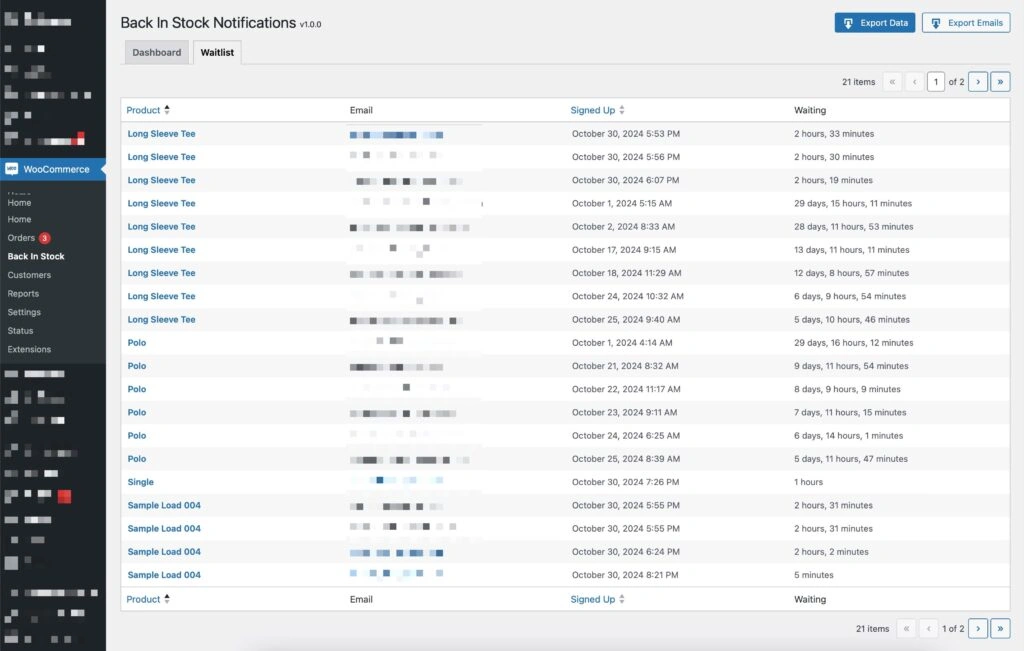
#### The New Approach
I’ve implemented batch processing which handles notifications in manageable sets.
By sending emails in batches, the system reduces server load, minimizes the risk of timeouts, and scales better as your business grows.
This change is seamless for the end-user, allowing your notifications to be sent while also reducing strain on server resources.
2. Improved CSV Export with Batching in bisn_export_csv
Similarly, I have also optimized the CSV export functionality to handle large data exports more efficiently.
The bisn_export_csv function now processes exports in batches, ensuring smoother handling of large datasets.
This improvement provides a faster experience and greater reliability for website owners who are exporting substantial volumes of waitlist data.

How These Updates Benefit You
Whether you’re managing a store with hundreds of subscribers or just aiming for optimal performance, this release enhances your experience by:
- Reducing Server Load: Batch processing means less strain on your server during high-traffic events, like product restocks and large exports.
- Preventing Timeouts: By segmenting notifications and data exports, v1.0.1 minimizes the chance of timeouts or stalled processes.
Upgrade Instructions
If you’re already using Back in Stock Notifications for WooCommerce® (free), you will see the update notification in your dashboard.
Navigate to your WordPress dashboard, locate the “Plugins” section, and select “Update Now” for Back In Stock Notifications for WooCommerce®.
For anyone managing updates manually, you can download the latest version from the releases page in the GitHub repository.

Thank you for your continued support!
I’m thankful for every user of the plugins I build and I am always here to make sure your experience using them is a good one.
So please reach out if you have feedback or suggestions for further improvements, I appreciate it all 🤘